
The Ultimate DIY Guide to Keeping Your PC Physically Clean
We use our computers daily, but we rarely think about the physical debris accumulating on and inside them. Over time, keyboards collect oil from our fingers, dust settles into the ventilation ports, and pet dander can clog internal cooling systems. Keeping your PC physically clean isn't just about making your desk space look beautiful—it is a vital maintenance step that directly impacts how long your computer survives.
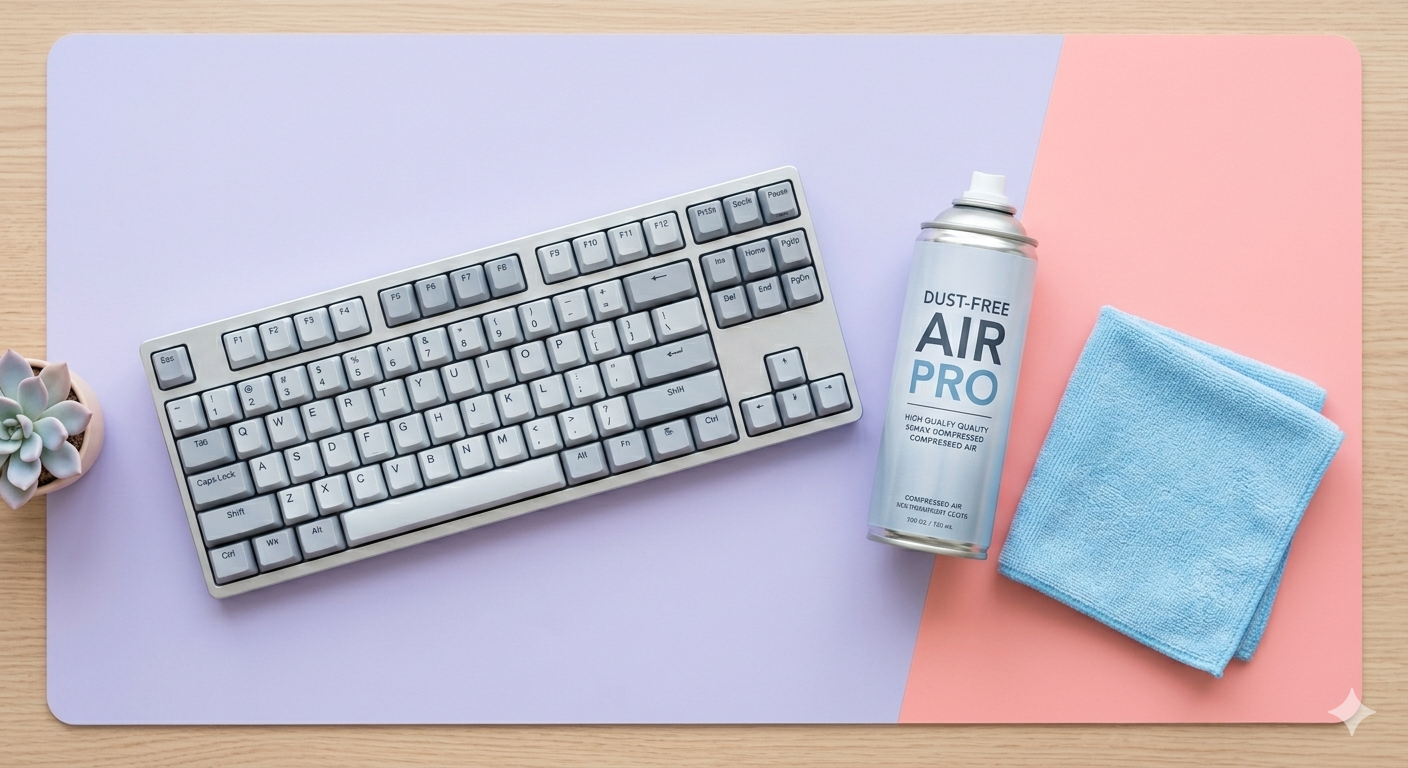
Before you begin any cleaning routine, always completely shut down your computer and unplug it from the wall. To tackle the exterior, a high-quality microfiber cloth slightly dampened with a mixture of water and isopropyl alcohol works wonders on the casing and screen. Never spray any liquid directly onto your device; moisture can easily seep into the cracks and short-circuit sensitive internal electronics.
For the stubborn dust hiding inside ports and beneath keyboard keys, a can of compressed air is your best friend. Hold the can upright and use short, controlled bursts to blow debris away from the vents rather than pushing it further inside. If you own a desktop tower, opening the side panel once a year to blow out the dust bunnies can lower your system's operating temperatures significantly, keeping your machine running quietly and efficiently.